
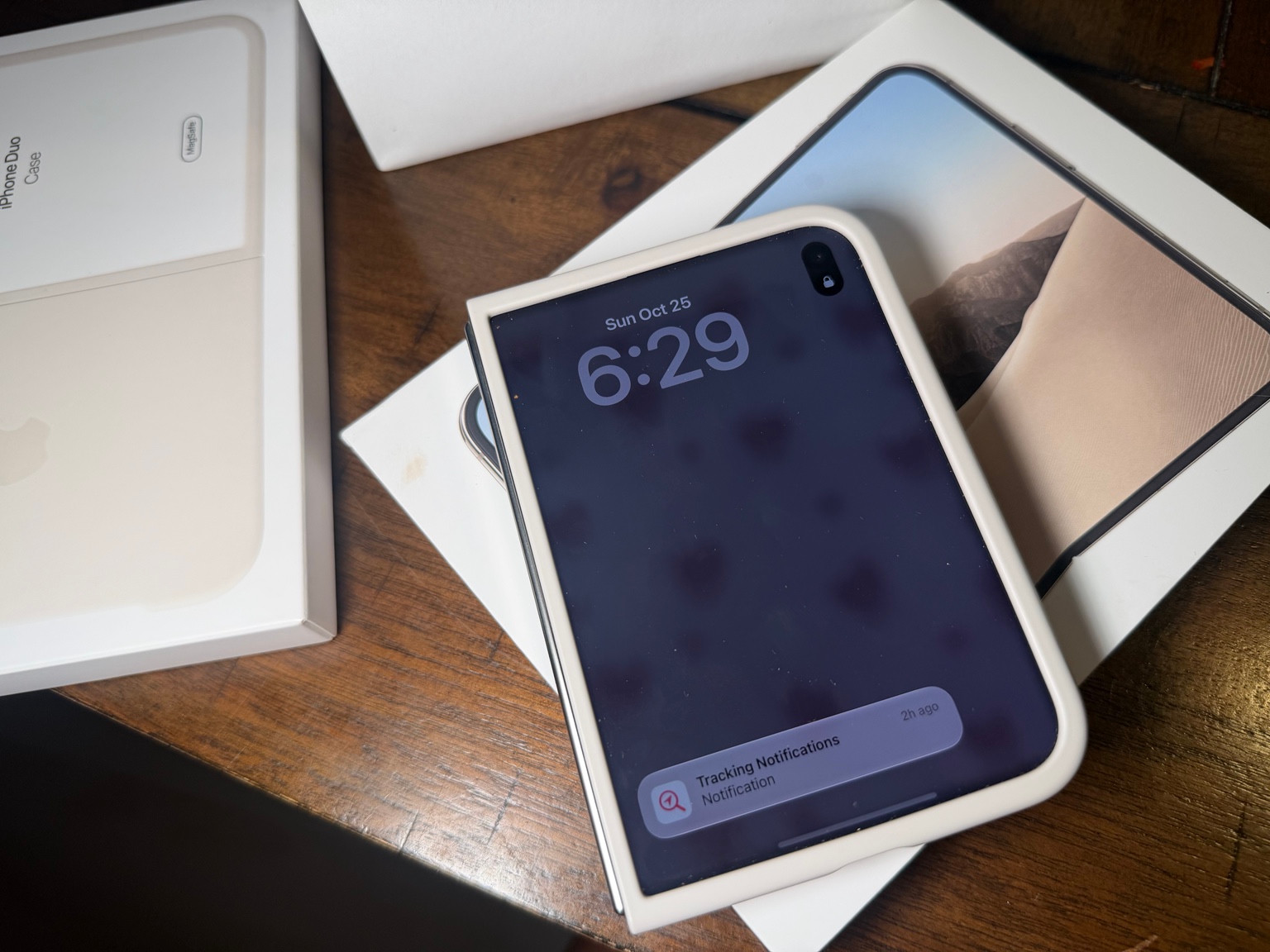
I had a chance to unbox my sister’s iPhone Duo. For this second look, the question is practical: what could a folding phone add to the process of making content?
If your phone is where you plan a post, film a clip and check the finished edit, the way its screen works matters. A larger canvas could be useful, but an upgrade should earn its place in your routine. Here are the features worth understanding and the questions worth taking into a store before deciding.
More room for the work around the photo
Apple describes Split View on the Duo, allowing two apps to sit side by side on the inner screen. It also highlights hands-free positions for the folding design. These are published capabilities, not features I have put through a full content-creation test. (Apple’s iPhone Duo overview)
For a creator, a useful demo would be something ordinary. Open your notes alongside the material you are working from, then see whether the layout helps you stay focused. Can you read comfortably? Is the keyboard taking up the space you wanted? Does the app you rely on behave the way you expect?
A larger display does not automatically remove steps from your workflow. Try the task you repeat every week rather than judging the phone only by a polished demonstration. App support and the way you prefer to work will shape the experience.
Framing yourself with the rear camera
Duo Preview is another feature to look at closely. Apple says it lets you use the outer display to frame yourself while shooting with the rear cameras. For solo content, that could make it easier to check composition before recording. (Apple’s iPhone Duo overview)
Think about the shots you actually make. A talking clip at a desk, a close-up of a beauty product and a full outfit all need different framing. Ask to see how the preview works in the position you would use, including whether the screen remains easy to see. A hands-free phone position is worth assessing for your particular shot rather than assuming it replaces every stand or tripod.
The camera detail worth noticing
Apple lists a 48MP main camera and a 48MP ultra-wide camera. There is no dedicated telephoto lens. The advertised 2x optical-quality option is a crop from the main camera, not a separate telephoto camera. (Apple’s iPhone Duo technical specifications)
That distinction matters when comparing phones for distant subjects. If your content often includes performers across a venue or details you cannot get close to, compare actual results at the framing you need. Megapixels alone will not answer that question. For product shots, look at focus, texture and color in lighting similar to your own setup.
The budget deserves its own moment
Before choosing storage, check how much space your current phone uses and how regularly you move footage elsewhere. Build the comparison around your habits, then include any case or charging accessories you need. The most expensive configuration is not automatically the most useful one.
A simple upgrade test
Write down one task you want the Duo to improve. It might be checking a shot while filming alone or keeping notes visible beside another app. Then try that exact task before you buy.
If the folding design makes a repeated part of your work easier, you have a concrete reason to consider it. If you mainly want better photos, compare camera results with other options rather than letting the larger screen make the decision for you.
Unboxing my sister’s phone is the personal starting point for this guide. Whether it belongs in your own creator setup comes down to the work you make and the tools you already have. Let those lead the upgrade decision.
Product details checked against Apple’s official information on October 26, 2026.
For more, explore my sister’s iPhone Duo unboxing or read the iPhone Duo buying guide for price, storage and what to check before ordering.


Leave a Reply